



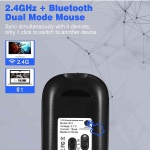
UrbanX Best Compact Rechargeable Wireless Multi-Device Bluetooth Keyboard and Mouse Combo with Bracket Supports Windows, macOS, Android, PC, Mac, Laptop, Smartphone, Tablet
$26.95
Best Compact Rechargeable Wireless Multi-Device Bluetooth Keyboard and Mouse Combo with Bracket Supports Windows, macOS, Android, PC, Mac, Laptop, Smartphone, Tablet
By UrbanX — Quality accessories for your vehicle and lifestyle.
Best Compact Rechargeable Wireless Multi-Device Bluetooth Keyboard and Mouse Combo with Bracket Supports Windows, macOS, Android, PC, Mac, Laptop, Smartphone, Tablet
by UrbanX — Premium Quality
Quality
Tested
30-Day
Guarantee
Fast
Shipping
Product Details
Best Compact Rechargeable Wireless Multi-Device Bluetooth Keyboard and Mouse Combo with Bracket Supports Windows, macOS, Android, PC, Mac, Laptop, Smartphone, Tablet
by UrbanX — Premium Quality
Quality
Tested
30-Day
Guarantee
Fast
Shipping
Product Details
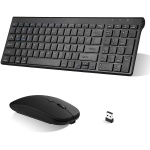
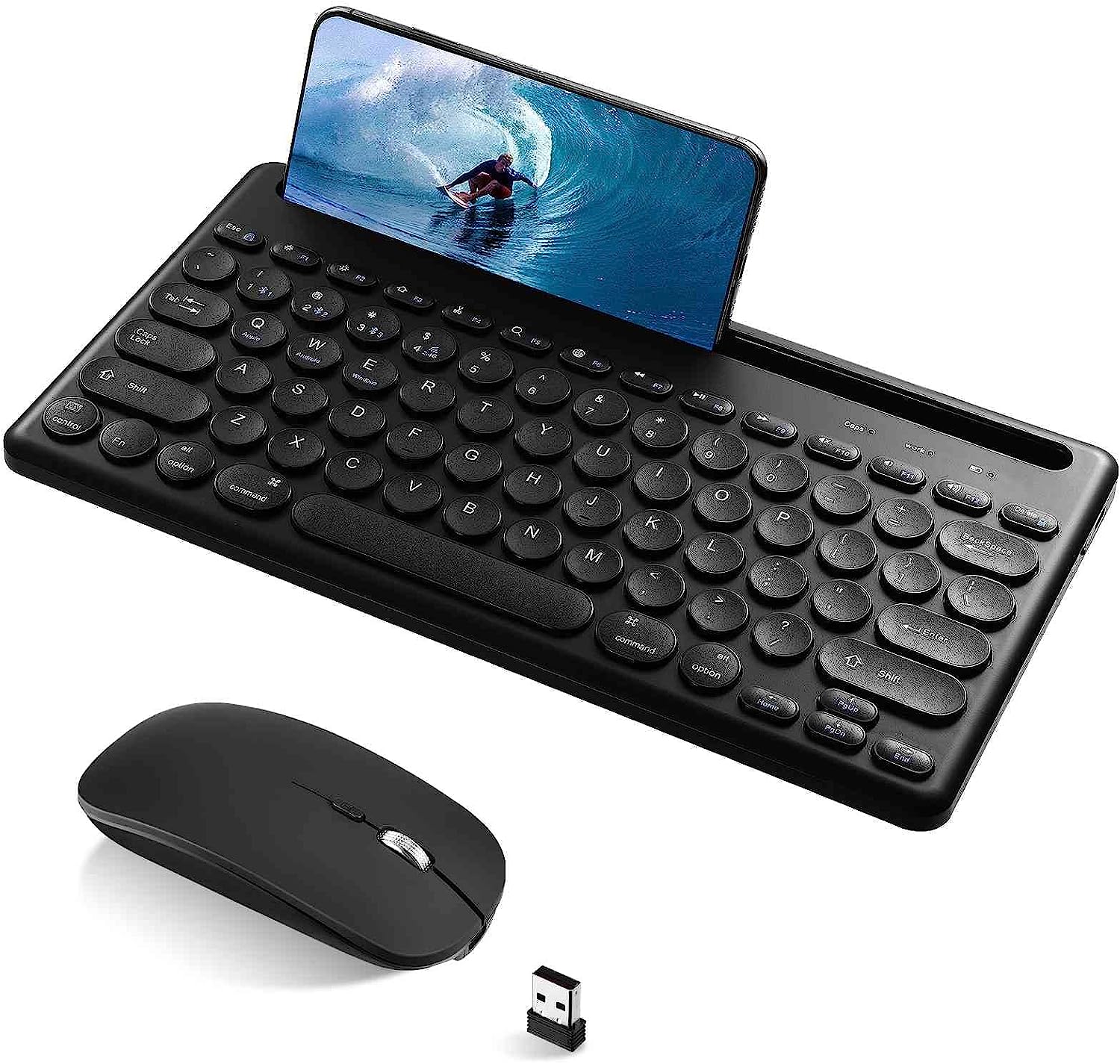
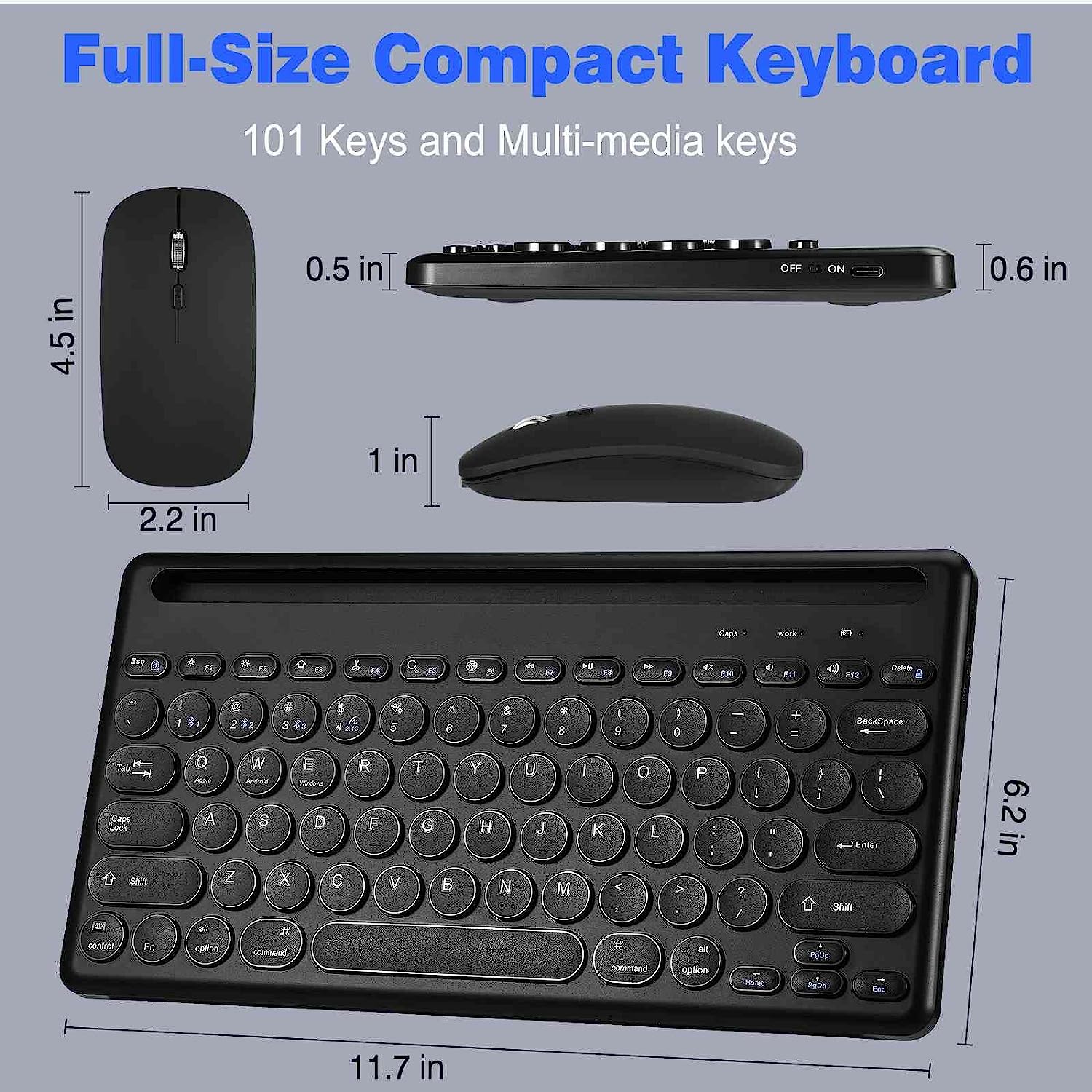
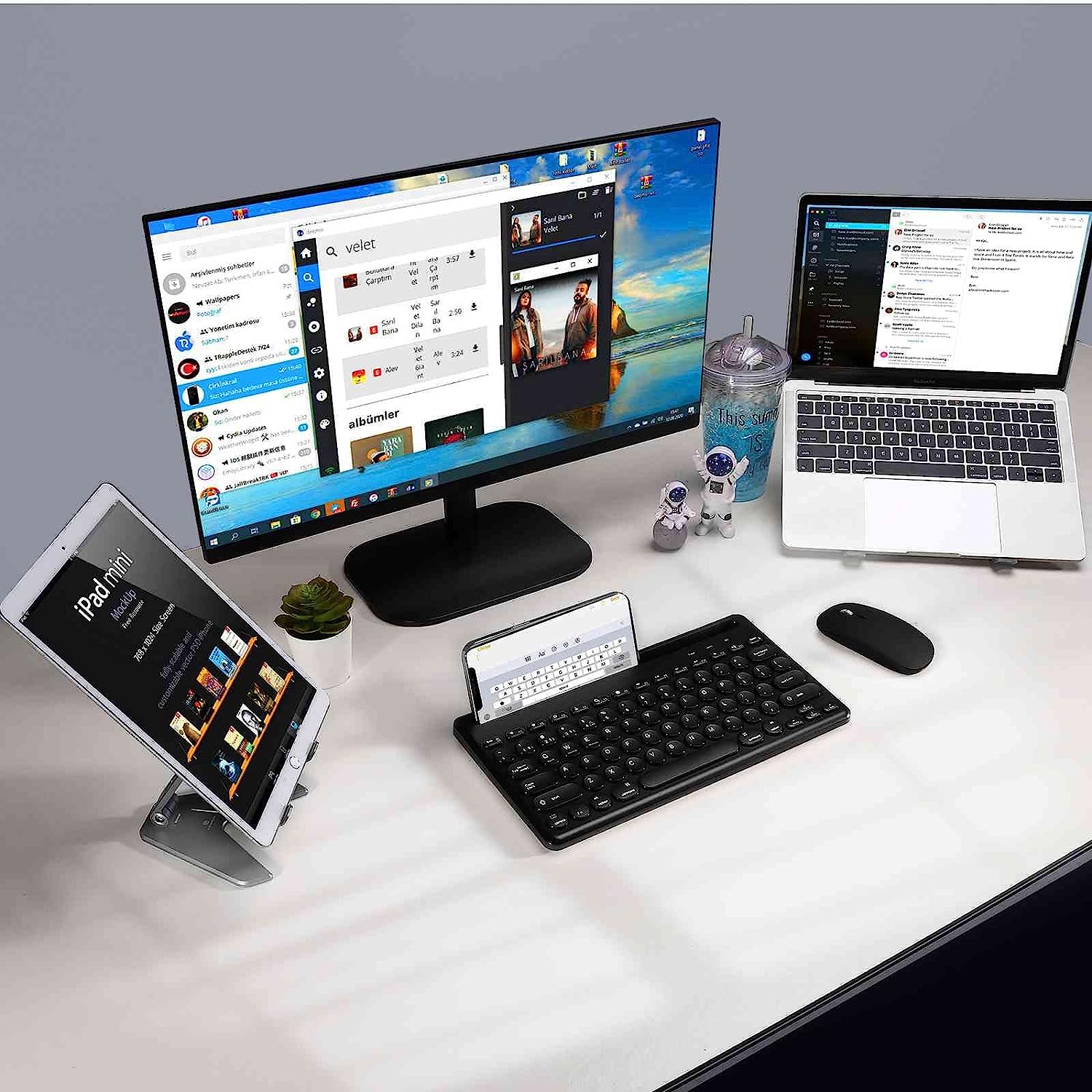
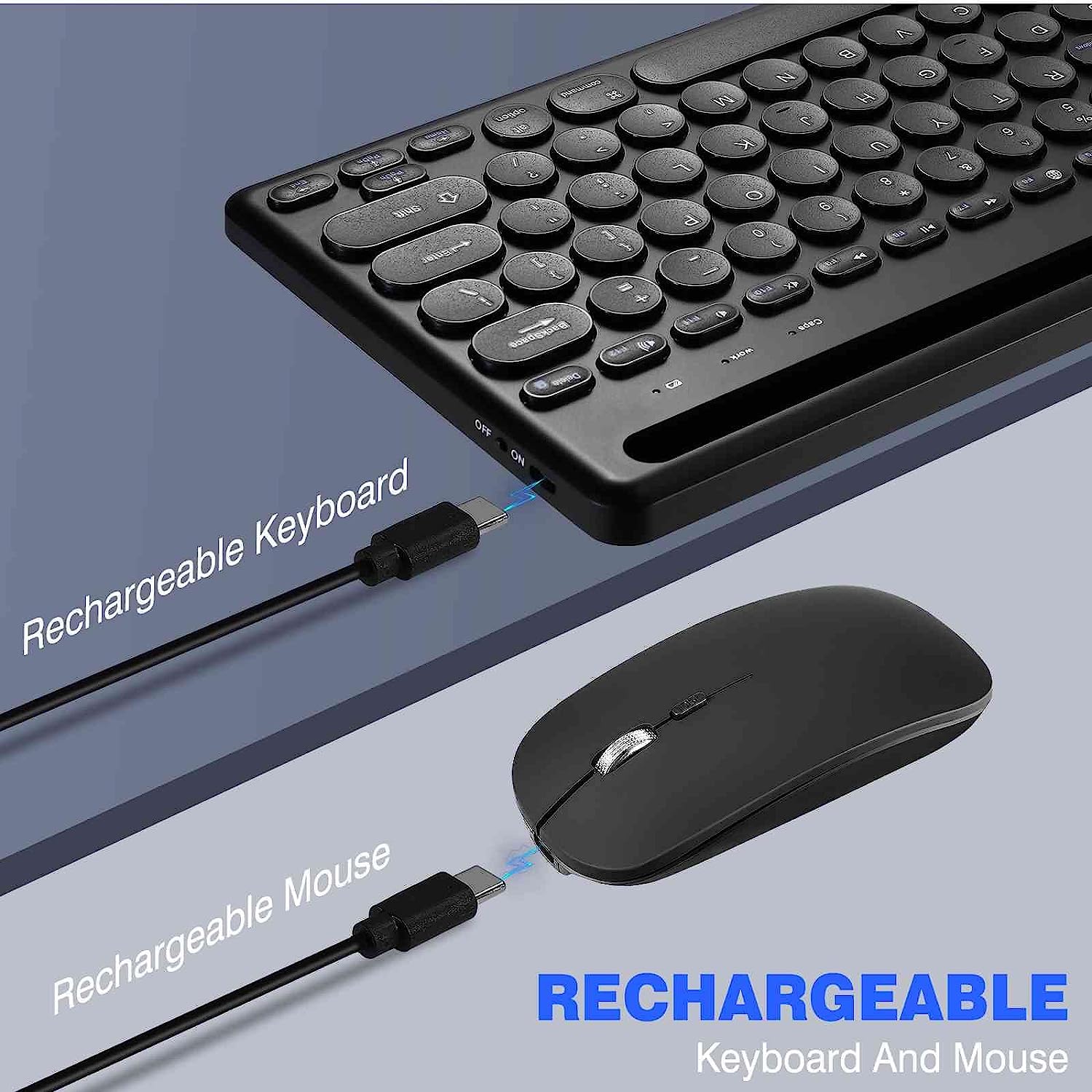
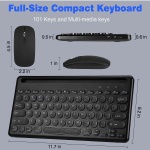
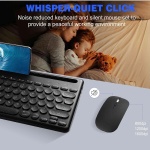
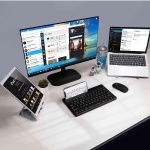
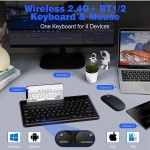
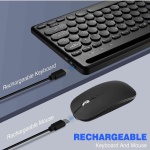
Introducing the UrbanX Wireless Keyboard and Mouse Combo, the ultimate solution for work, gaming, and entertainment. This stylish 3-in-1 rechargeable set boasts a cool modern aesthetic, fast multimedia capabilities, and a high-performance chip for seamless operation. Enjoy fashion 2.4G wireless and Bluetooth connectivity with the keyboard and mouse sharing a single USB receiver, located at the bottom of the mouse, ensuring a clutter-free workspace. Experience uninterrupted gaming or work with the 5212-technology solution, providing stable data transmission and long battery life. The keyboard offers 30 hours of continuous use, while the mouse lasts up to 53 hours in continuous working mode. Upgrade your experience with this wireless Bluetooth keyboard, featuring multi device connectivity. The wireless gaming mouse has an ergonomic design, and the mechanical feel of the combo ensures comfortable, fatigue-free use. Foldable kickstands, adjustable key height, and a vertical-feeling mouse cater to ergonomic needs, while the membrane keyboard offers a mechanical feel like a mechanical black switch. The plug-and-play combo is compatible with all operating systems. Simply insert the receiver and power on the keyboard and mouse to start using. The integrated cradle in the keyboard’s slot/bracket holds your phone or tablet at the perfect angle for reading while typing. UrbanX offers multi-device compatibility, allowing you to type on any Bluetooth-enabled device with external keyboard support and a wireless range of over 10 meters. The easy-switch option enables effortless switching between three connected devices. Enjoy a familiar layout and reliable power with all your favorite shortcut keys in a space-saving design. The keyboard comes with pre-installed rechargeable batteries, lasting up to 24 months. Designed to be durable and spill-resistant, the compact keyboard is built to withstand minor accidents, making it a reliable partner for your home or office.
Why Choose UrbanX?
Premium quality at competitive prices
Quick processing and delivery
30-day money-back guarantee
Thousands of happy customers
30-Day Money-Back Guarantee
Not satisfied? Return for a full refund. No questions asked.
Why Choose UrbanX?
Premium quality at competitive prices
Quick processing and delivery
30-day money-back guarantee
Thousands of happy customers
30-Day Money-Back Guarantee
Not satisfied? Return for a full refund. No questions asked.
How to Verify This Is the Right Key for Your Smart
Before purchasing a replacement transponder chip key for your Smart Phone, verify these details to ensure a perfect match:
5-Point Compatibility Checklist
- Verify Year, Make & Model — Confirm this key is listed for your exact Smart Phone. Even within the same model, different trim levels or production dates may use different key types. Check your owner’s manual or the sticker on the driver’s door jamb for your exact model year.
- Match the FCC ID — This is the most reliable way to guarantee compatibility. Open your current key fob and look for the FCC ID printed on the back of the case or on the circuit board inside. The FCC ID identifies the exact radio transmitter — if the FCC IDs match, the keys are functionally identical.
- Check the Part Number (MPN) — The manufacturer part number (also called OEM part number or MPN) is another way to verify compatibility. You can find your vehicle’s correct part number in the owner’s manual, by searching with your VIN at a Smart parts department, or on your existing key.
- Count the Buttons — Make sure the replacement has the same number of buttons in the same layout as your current key. Common configurations: 3-button (Lock, Unlock, Trunk/Panic), 4-button (Lock, Unlock, Trunk, Panic), 5-button (adds Remote Start). A key with different buttons may still work for basic functions but won’t have all features.
- Confirm the Key Type — Your Smart may use different key types depending on the trim level:
- Transponder chip key — Traditional metal key with an embedded chip. Requires programming to start the engine.
- Key fob remote — Plastic remote for lock/unlock/trunk. Works alongside a separate ignition key.
- Remote head key / flip key — Combination key blade + remote in one unit.
- Smart key / proximity key — Push-button start. Stays in your pocket — the car detects it wirelessly.
Make sure you’re ordering the correct type for your Smart Phone. If your car has push-button start, you need a smart/proximity key. If you turn a physical key to start, you need a transponder or remote head key.
Quick Verification Summary
| Vehicle: | Smart Phone |
| Key Type: | Transponder Chip Key |
Tip: If you’re unsure, take a photo of your current key (front and back) and compare it to the product images above. The FCC ID is the single most important number to match.
Not Sure Which Key You Need?
- Check your existing key — Flip it over and look for the FCC ID and part number printed on the case or circuit board.
- Call a Smart dealer parts department — Give them your VIN (Vehicle Identification Number) and they can tell you the exact key part number for free.
- Search by VIN online — Several free VIN decoders can identify your key type and part number.
- Contact us — Send us your year, make, model, and a photo of your current key. We’ll help you find the right replacement.
Programming Guide: Smart Phone Transponder Chip Key
🔧 This key requires professional programming by a locksmith
Your Smart Phone transponder chip key needs to be programmed with professional equipment. Don’t worry — a local automotive locksmith typically charges just $50-$100 for programming, which is a fraction of what the Smart dealership charges ($150-$300+). Buy the key here and bring it to any automotive locksmith.
Locksmith Programming: What to Know Before You Go
If your key requires professional programming, an automotive locksmith is almost always cheaper than the dealership — typically $50-$100 for programming only vs. $150-$300+ at the dealer. Here’s how to get the best service at the best price:
Questions to Ask Before Hiring a Locksmith
- “What’s the total cost for programming only?” — You already have the key. Get a flat-rate quote for programming, not a quote that includes a new key.
- “Do you have experience with [your make/model]?” — Not all locksmiths have tools for every brand. European vehicles (BMW, Mercedes, VW, Audi) require specialized equipment.
- “Do you come to me, or do I come to you?” — Mobile locksmiths save you a trip but may charge a service call fee ($25-$50). Fixed-location shops may be cheaper.
- “Is there a warranty on the programming?” — Reputable locksmiths guarantee their work. If the key stops working within 30 days, they should reprogram free.
- “What’s your license number?” — Many states require locksmith licensing. Unlicensed operators are a red flag.
Red Flags to Watch For
- Extremely low quotes ($15-$29): Scam locksmiths advertise impossibly low prices, then inflate the bill once they arrive.
- No physical address or business name: Legitimate locksmiths have established businesses with verifiable addresses.
- Refusing to give a quote over the phone: A professional should be able to estimate cost once they know your vehicle make, model, year, and key type.
- Pressuring you to buy their key instead: You have the right to provide your own key. They should charge programming-only pricing.
- Unmarked vehicle: Professional mobile locksmiths drive marked vans with company branding.
Tips for the Best Experience
- Bring ALL your existing keys — When a new key is programmed, existing keys may need reprogramming. Have them all present.
- Have your vehicle registration ready — Locksmiths are required to verify ownership before programming keys.
- Tell them the FCC ID — This helps them verify the key is correct before attempting programming.
- Ask about mobile service — Most automotive locksmiths come to you, so you don’t need to tow your car.
- Check Google reviews — Look for reviews specifically mentioning car key programming for your vehicle brand.
Estimated Programming Cost Comparison
| Option | Key Cost | Programming | Total |
|---|---|---|---|
| Smart Dealership | $150-$350 | $75-$200 | $225-$550 |
| Locksmith + Our Key | Our price | $50-$100 | Our price + $50-$100 |
| Weight | .50 kg |
|---|---|
| Dimensions | 39 × 15 × 5 cm |
| Color | Black, White |
Related products

UrbanX Rechargeable Wireless Keyboard and Mouse Combo, Milk Tea 104 Keys Full-Sized 2.4 GHz & Bluetooth Colorful Keyboards,Long Lasting Multi Devices Keyboard & Mouse USB Receiver Plug and Play, for Mac, PC, Laptop.
$36.31


Reviews
There are no reviews yet.