
![UrbanX Universal Professional [15m/50ft] Swimming Diving Surfing Snorkeling Photo Video Waterproof Protective Case Clear Underwater Housing for All Phones Up to 6.9 Inch LCD w/ Lanyard -Orange](https://urbanx.us/wp-content/uploads/2023/06/71RVKtRVIaL._AC_SL1500_-150x150.jpg)

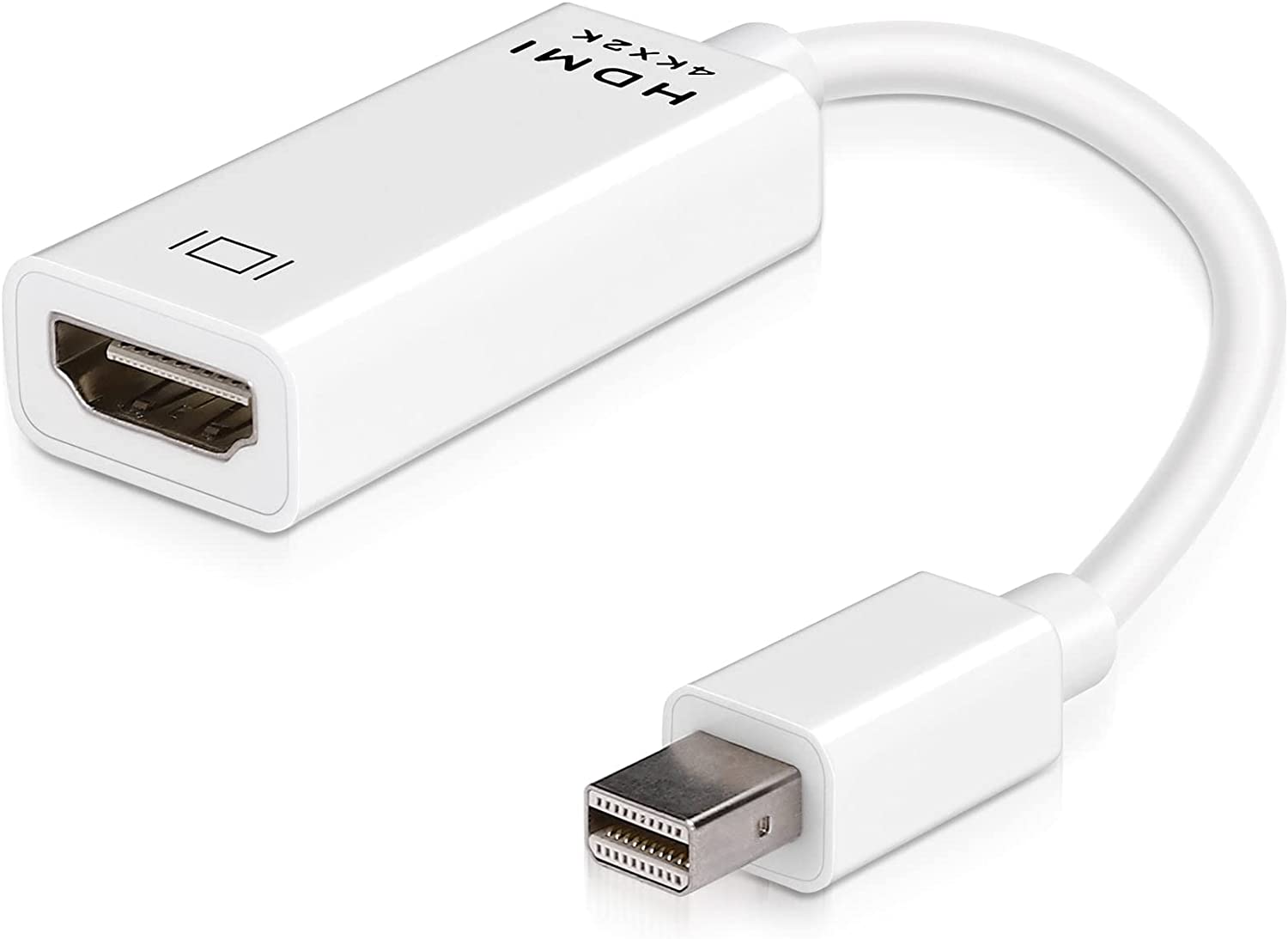

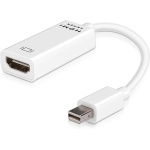
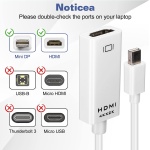
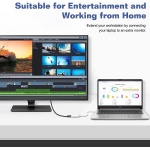
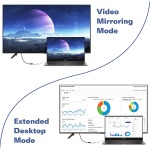
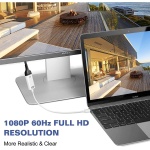
UrbanX Universal Mini DisplayPort to HDMI Adapter, Mini DP to HDMI Adapter Compatible with MacBook Air/Pro, Microsoft Surface Pro/Dock, Projector and More 1-Pack ( White )
Price range: $11.55 through $16.85
Universal Mini DisplayPort to HDMI Adapter, Mini DP to HDMI Adapter Compatible with MacBook Air/Pro, Microsoft Surface Pro/Dock, Projector and More 1-Pack ( White )
By UrbanX — Quality accessories for your vehicle and lifestyle.
Universal Mini DisplayPort to HDMI Adapter, Mini DP to HDMI Adapter Compatible with MacBook Air/Pro, Microsoft Surface Pro/Dock, Projector and More 1-Pack ( White )
by UrbanX — Premium Quality
Quality
Tested
30-Day
Guarantee
Fast
Shipping
Product Details
Universal Mini DisplayPort to HDMI Adapter, Mini DP to HDMI Adapter Compatible with MacBook Air/Pro, Microsoft Surface Pro/Dock, Projector and More 1-Pack ( White )
by UrbanX — Premium Quality
Quality
Tested
30-Day
Guarantee
Fast
Shipping
Product Details
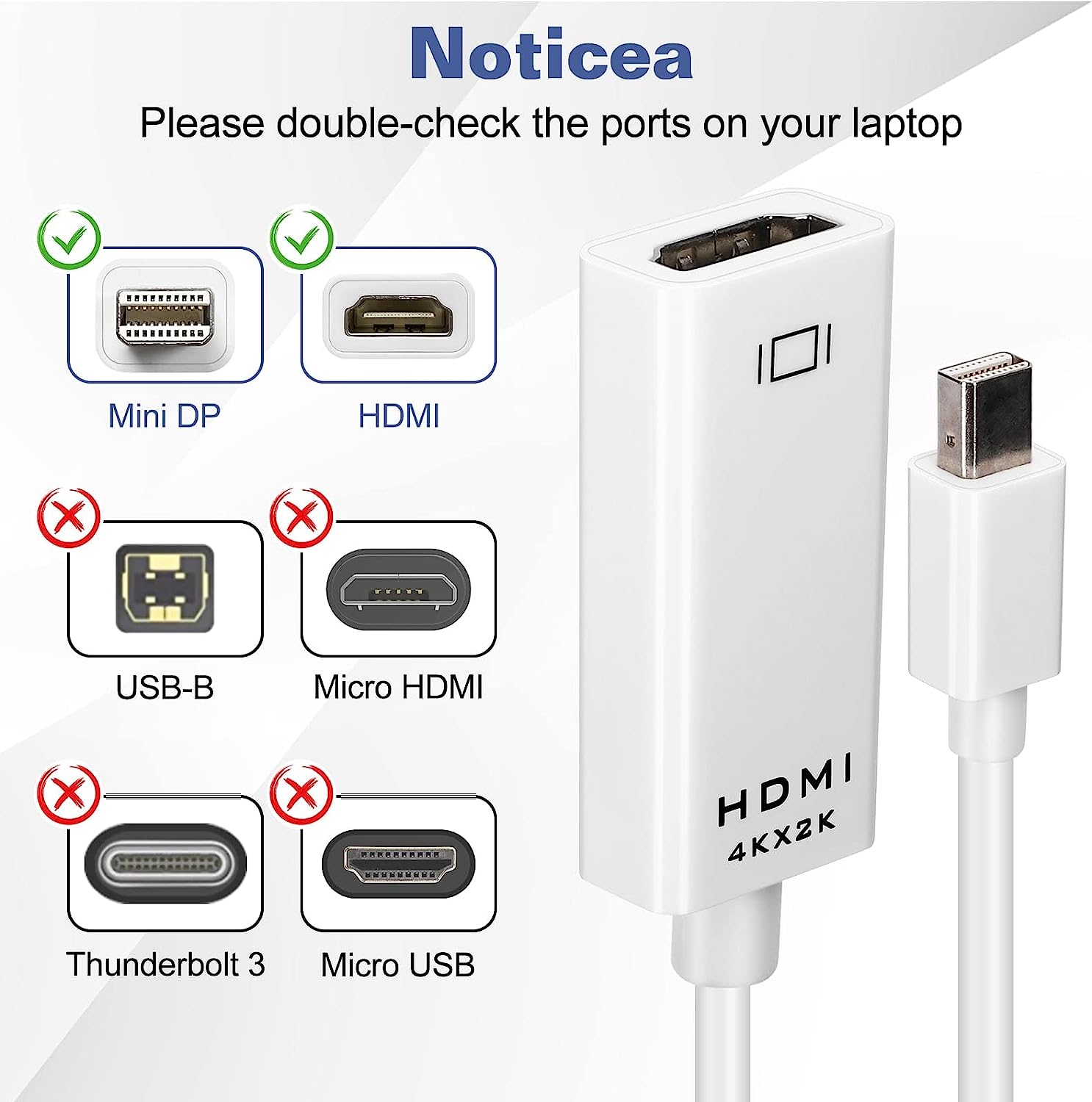
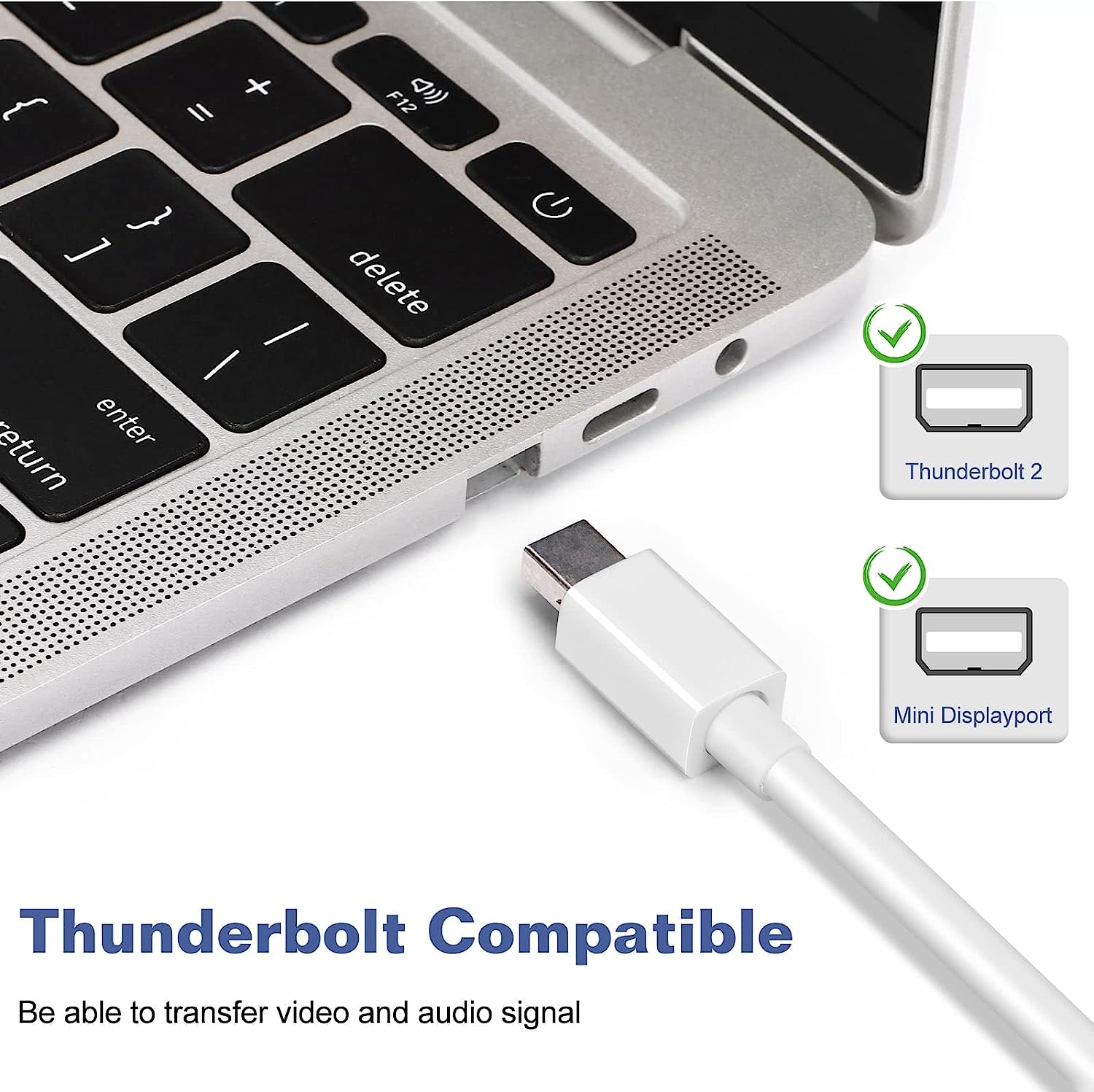
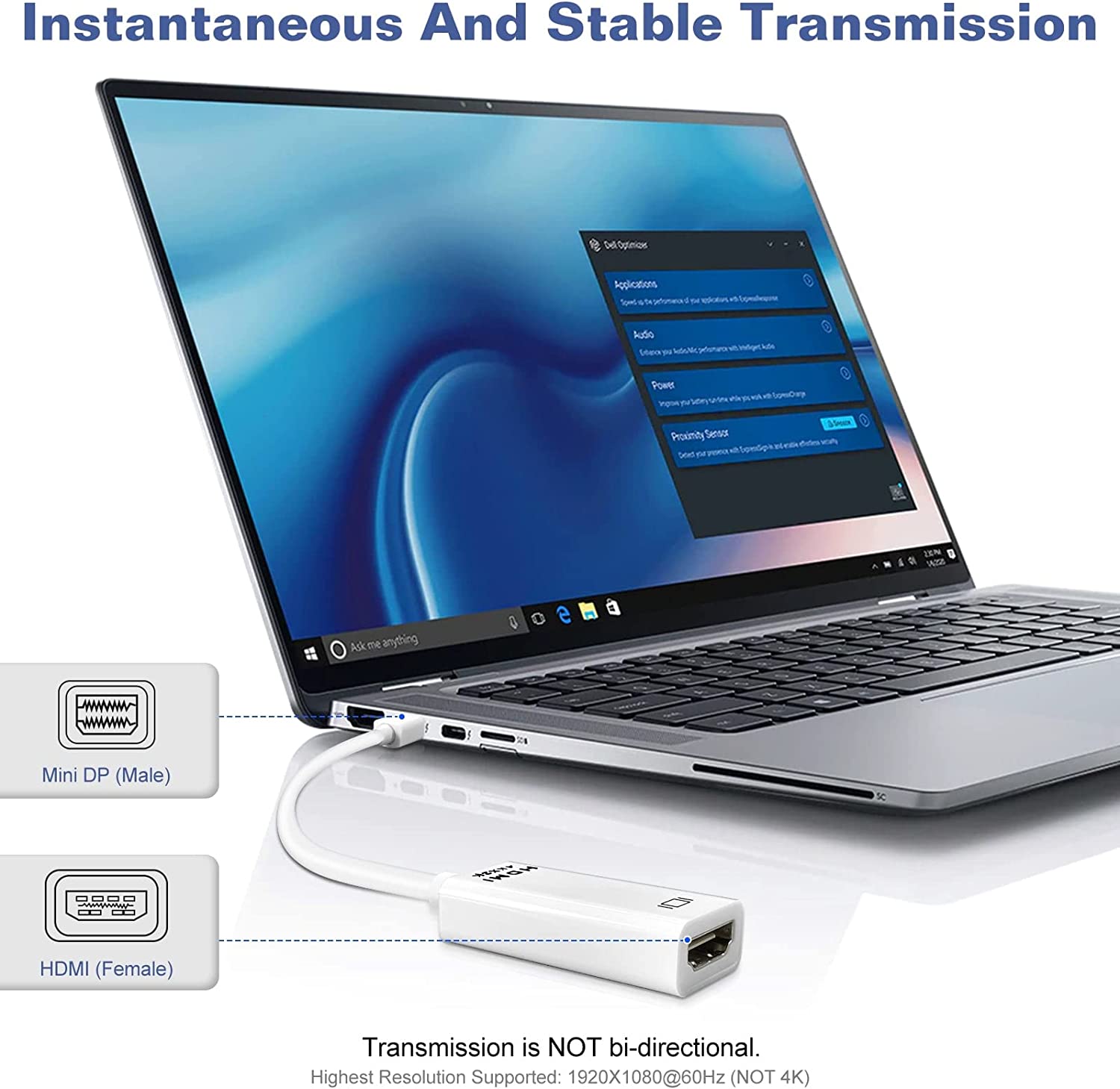
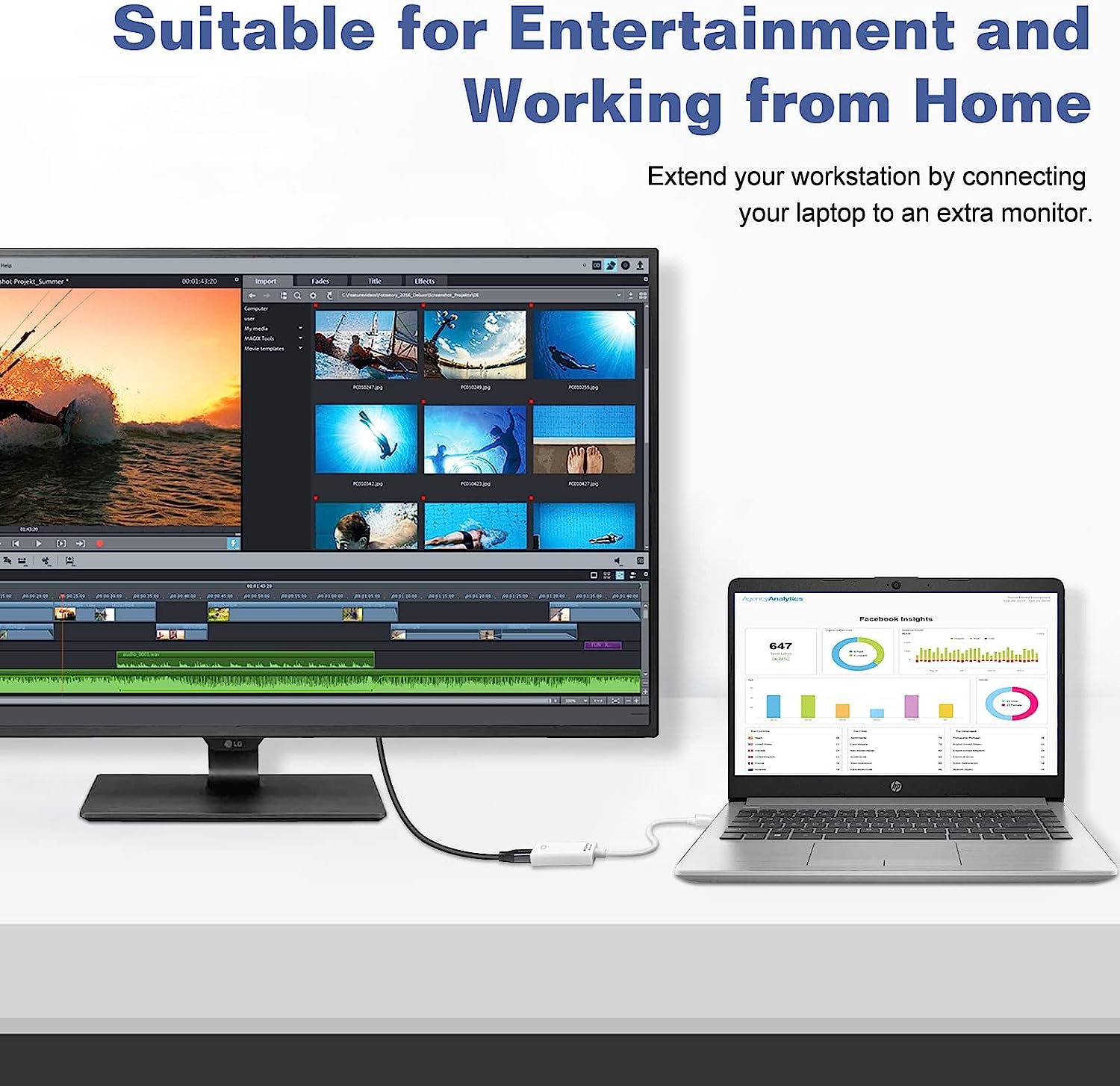
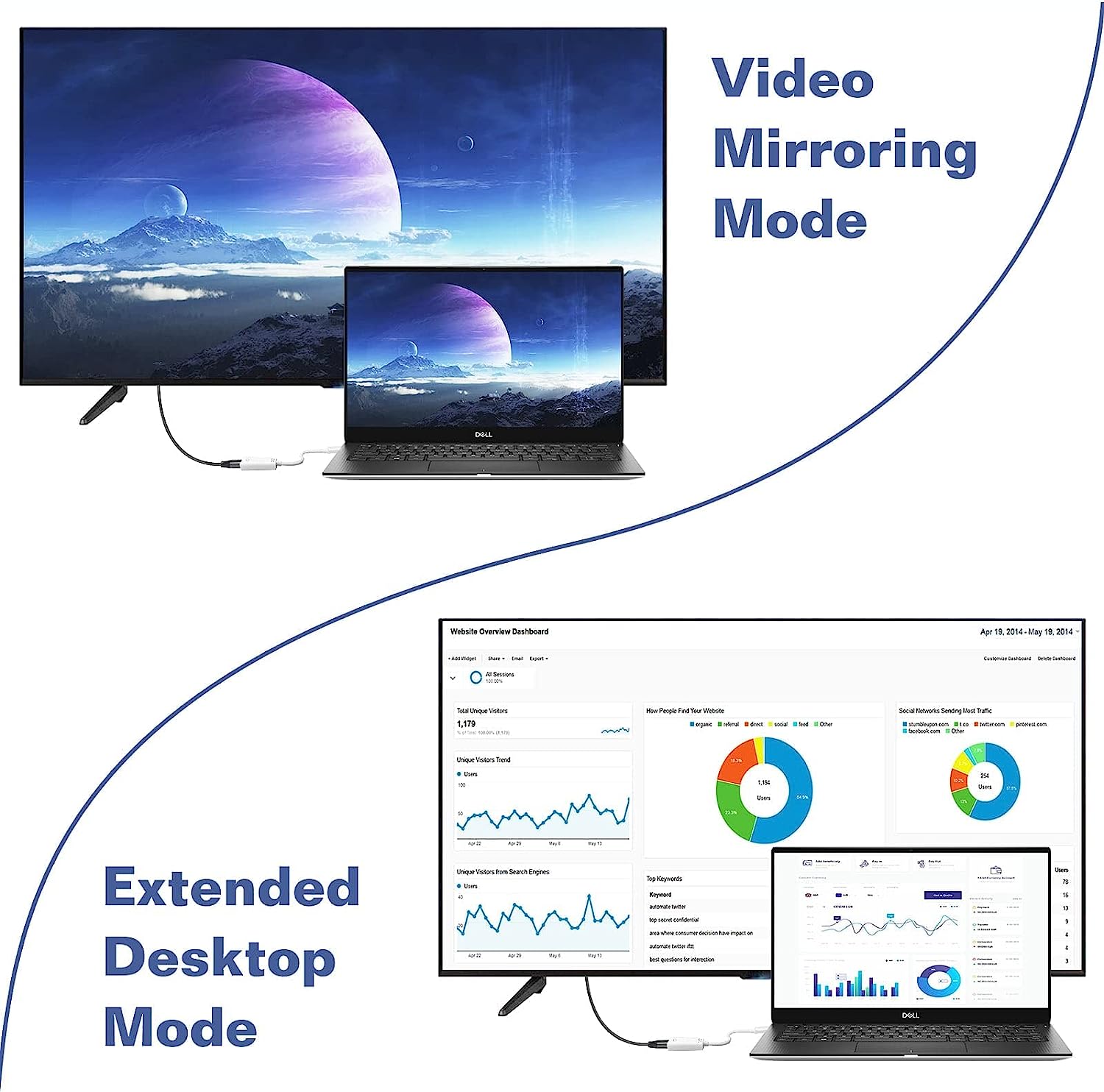
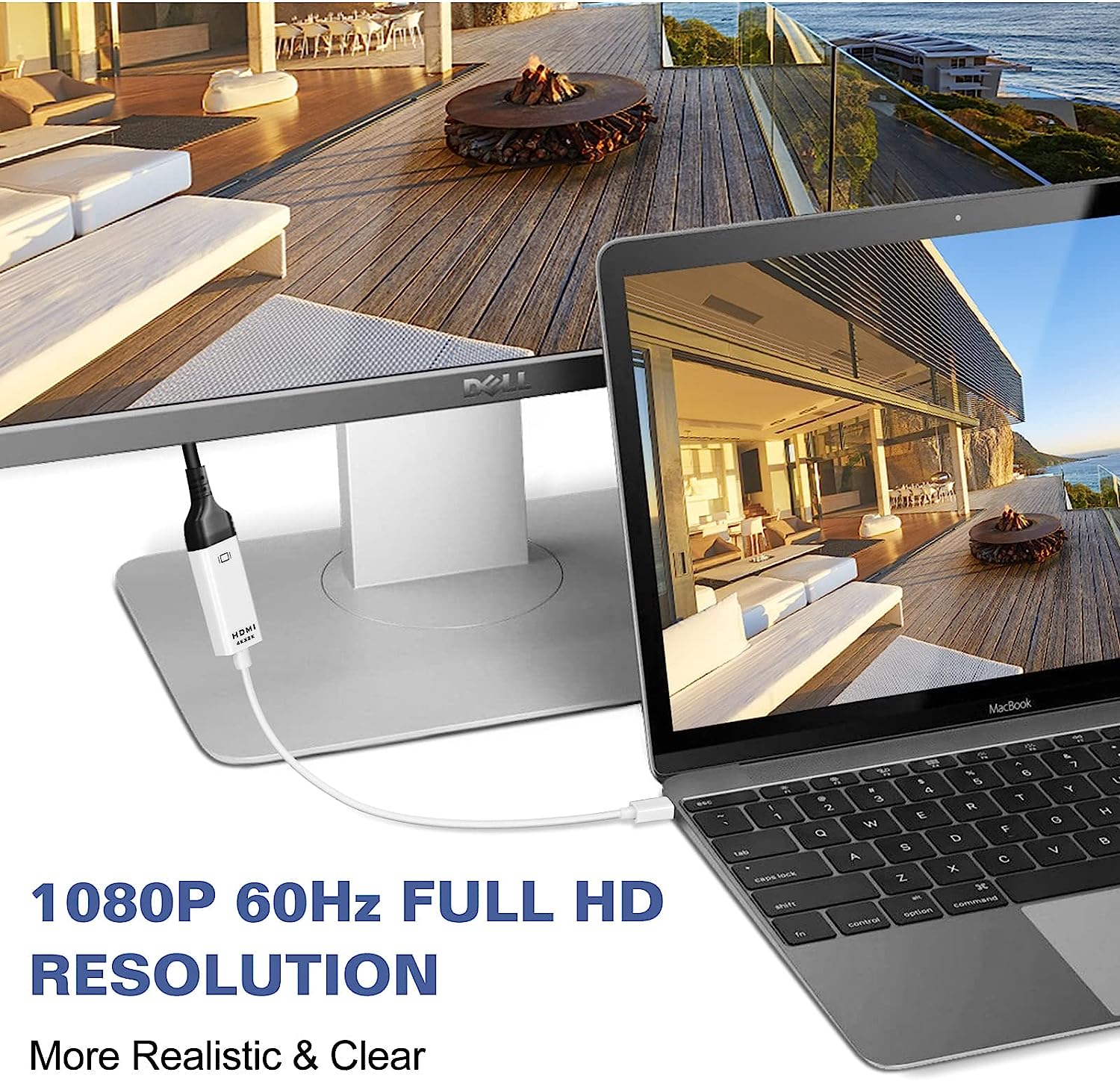
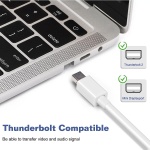
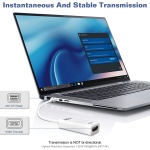
Mirror Mode & Extend Mode: Mirror Mode: Makes your holiday photos and favorite films so much more interesting and enjoyable on the big screen! Extended Mode: Works like a charm for multitasking. Premium HD Video & Audio Experience: HDCP, 36-bit Deep Color, 3D and uncompressed/compressed audio formats. HD transmission for an all-in-one A/V solution. Innovative Design: For Maximum Usage: Sturdy Nylon Braided Jacket: Anti-aging, anti-twisting, moisture protection, abrasive resistance. Reliable Material: Durable & Unique Design: Lightweight Alu-alloy Shell: Greater portability and convenience. Corrosion-resistant, extraordinary durability, accurate data transmission. Compatible With: MacBook Pro 2012-2013 Apple MacBook Air (BEFORE 2018)/Pro (BEFORE 2016), iMac (BEFORE 2017), Mac Pro, Mac Air For New MacBook Pro/Air, please consider USB-C to HDMI Adapter. Microsoft Surface Pro/Pro 2/Pro 3/Pro 4/Pro 5/Pro6, Surface Laptop/Laptop 2 (NOT Surface 2), Surface 3 (NOT Surface), Surface Dock, Surface Book(NOT Surface Book 2), Surface Studio Lenovo ThinkPad Helix, X230, L430, L530, T430s, T430, T530, W530 Dell XPS 13 (BEFORE 2016) Notice: NOT compatible with Thunderbolt 3 (Type-C). Transmission: NOT bi-directional (Only from a Mini DisplayPort/Thunderbolt/Thunderbolt 2 to an HDMI). Audio: System Preferences → Sound → Output. Change the audio output from your laptop to TV or other devices.
Why Choose UrbanX?
Premium quality at competitive prices
Quick processing and delivery
30-day money-back guarantee
Thousands of happy customers
30-Day Money-Back Guarantee
Not satisfied? Return for a full refund. No questions asked.
Why Choose UrbanX?
Premium quality at competitive prices
Quick processing and delivery
30-day money-back guarantee
Thousands of happy customers
30-Day Money-Back Guarantee
Not satisfied? Return for a full refund. No questions asked.
Mini DisplayPort to Key Fob Replacement
This Mini DisplayPort to Key Fob Replacement is an OEM-quality replacement for your Mini DisplayPort to. Designed to match factory specifications for reliable, seamless performance.
Key Fob Features
- OEM quality construction and materials
- Battery included and pre-installed
- Ready to program to your vehicle
- Part Number: to
Browse all Mini car keys and remotes at UrbanX. We offer fast, free shipping on all orders.
How to Verify This Is the Right Key for Your Mini
Before purchasing a replacement key fob remote for your Mini Displayport To Hdmi, verify these details to ensure a perfect match:
5-Point Compatibility Checklist
- Verify Year, Make & Model — Confirm this key is listed for your exact Mini Displayport To Hdmi. Even within the same model, different trim levels or production dates may use different key types. Check your owner’s manual or the sticker on the driver’s door jamb for your exact model year.
- Match the FCC ID — This is the most reliable way to guarantee compatibility. Open your current key fob and look for the FCC ID printed on the back of the case or on the circuit board inside. The FCC ID identifies the exact radio transmitter — if the FCC IDs match, the keys are functionally identical.
- Check the Part Number (MPN) — The manufacturer part number (also called OEM part number or MPN) is another way to verify compatibility. You can find your vehicle’s correct part number in the owner’s manual, by searching with your VIN at a Mini parts department, or on your existing key.
- Count the Buttons — Make sure the replacement has the same number of buttons in the same layout as your current key. Common configurations: 3-button (Lock, Unlock, Trunk/Panic), 4-button (Lock, Unlock, Trunk, Panic), 5-button (adds Remote Start). A key with different buttons may still work for basic functions but won’t have all features.
- Confirm the Key Type — Your Mini may use different key types depending on the trim level:
- Transponder chip key — Traditional metal key with an embedded chip. Requires programming to start the engine.
- Key fob remote — Plastic remote for lock/unlock/trunk. Works alongside a separate ignition key.
- Remote head key / flip key — Combination key blade + remote in one unit.
- Smart key / proximity key — Push-button start. Stays in your pocket — the car detects it wirelessly.
Make sure you’re ordering the correct type for your Mini Displayport To Hdmi. If your car has push-button start, you need a smart/proximity key. If you turn a physical key to start, you need a transponder or remote head key.
Quick Verification Summary
| Vehicle: | Mini Displayport To Hdmi |
| Key Type: | Key Fob Remote |
Tip: If you’re unsure, take a photo of your current key (front and back) and compare it to the product images above. The FCC ID is the single most important number to match.
Not Sure Which Key You Need?
- Check your existing key — Flip it over and look for the FCC ID and part number printed on the case or circuit board.
- Call a Mini dealer parts department — Give them your VIN (Vehicle Identification Number) and they can tell you the exact key part number for free.
- Search by VIN online — Several free VIN decoders can identify your key type and part number.
- Contact us — Send us your year, make, model, and a photo of your current key. We’ll help you find the right replacement.
Programming Guide: Mini Displayport To Hdmi Key Fob Remote
🔧 This key requires professional programming by a locksmith
Your Mini Displayport To Hdmi key fob remote needs to be programmed with professional equipment. Don’t worry — a local automotive locksmith typically charges just $50-$100 for programming, which is a fraction of what the Mini dealership charges ($150-$300+). Buy the key here and bring it to any automotive locksmith.
Locksmith Programming: What to Know Before You Go
If your key requires professional programming, an automotive locksmith is almost always cheaper than the dealership — typically $50-$100 for programming only vs. $150-$300+ at the dealer. Here’s how to get the best service at the best price:
Questions to Ask Before Hiring a Locksmith
- “What’s the total cost for programming only?” — You already have the key. Get a flat-rate quote for programming, not a quote that includes a new key.
- “Do you have experience with [your make/model]?” — Not all locksmiths have tools for every brand. European vehicles (BMW, Mercedes, VW, Audi) require specialized equipment.
- “Do you come to me, or do I come to you?” — Mobile locksmiths save you a trip but may charge a service call fee ($25-$50). Fixed-location shops may be cheaper.
- “Is there a warranty on the programming?” — Reputable locksmiths guarantee their work. If the key stops working within 30 days, they should reprogram free.
- “What’s your license number?” — Many states require locksmith licensing. Unlicensed operators are a red flag.
Red Flags to Watch For
- Extremely low quotes ($15-$29): Scam locksmiths advertise impossibly low prices, then inflate the bill once they arrive.
- No physical address or business name: Legitimate locksmiths have established businesses with verifiable addresses.
- Refusing to give a quote over the phone: A professional should be able to estimate cost once they know your vehicle make, model, year, and key type.
- Pressuring you to buy their key instead: You have the right to provide your own key. They should charge programming-only pricing.
- Unmarked vehicle: Professional mobile locksmiths drive marked vans with company branding.
Tips for the Best Experience
- Bring ALL your existing keys — When a new key is programmed, existing keys may need reprogramming. Have them all present.
- Have your vehicle registration ready — Locksmiths are required to verify ownership before programming keys.
- Tell them the FCC ID — This helps them verify the key is correct before attempting programming.
- Ask about mobile service — Most automotive locksmiths come to you, so you don’t need to tow your car.
- Check Google reviews — Look for reviews specifically mentioning car key programming for your vehicle brand.
Estimated Programming Cost Comparison
| Option | Key Cost | Programming | Total |
|---|---|---|---|
| Mini Dealership | $150-$350 | $75-$200 | $225-$550 |
| Locksmith + Our Key | Our price | $50-$100 | Our price + $50-$100 |
| Weight | .44 kg |
|---|---|
| Dimensions | 29 × 2 × 2 cm |
| Color | Black, White |
| Make | MINI |
| Style | Item Package Quantity 1, Item Package Quantity 2 |
Related products

UrbanX Rechargeable Wireless Keyboard Mouse, Affordable Slim Thin Low Profile Keyboard and Mouse Combo with Numeric Keypad Silent Keys– Black
$26.95
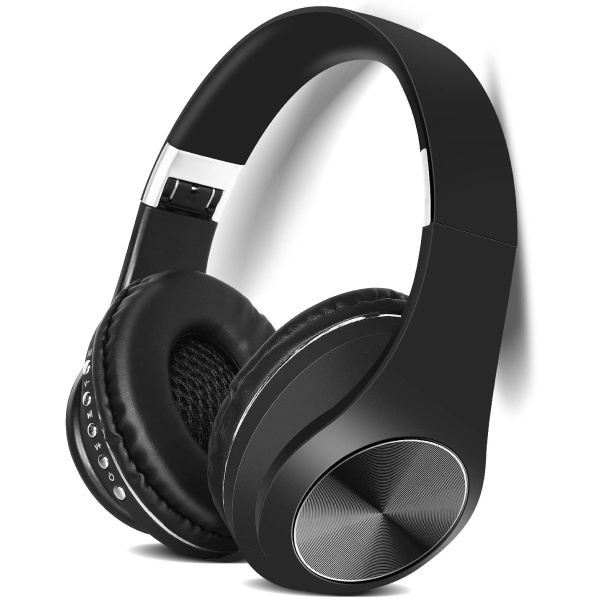
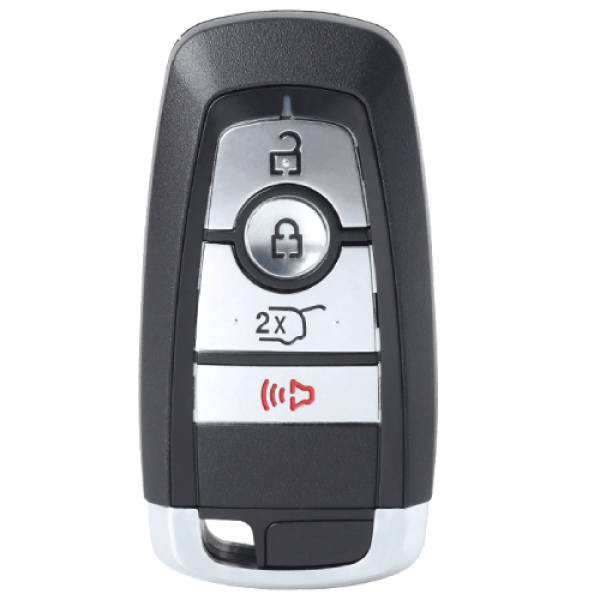
Replcament Smart Key Fob for Ford Escape 2022 FCC M3N-A2C93142300 M3NA2C93142300 Part Number 164-R8197 164R8197
Original price was: $51.00.$39.00Current price is: $39.00.Replcament Smart Key Fob for Ford Escape 2021 FCC M3N-A2C93142300 M3NA2C93142300 Part Number 164-R8197 164R8197
Original price was: $51.00.$39.00Current price is: $39.00.Replcament Smart Key Fob for Ford Bronco 2021-2022 FCC M3N-A2C93142300 M3NA2C93142300 Part Number 164-R8197 164R8197
Original price was: $51.00.$39.00Current price is: $39.00.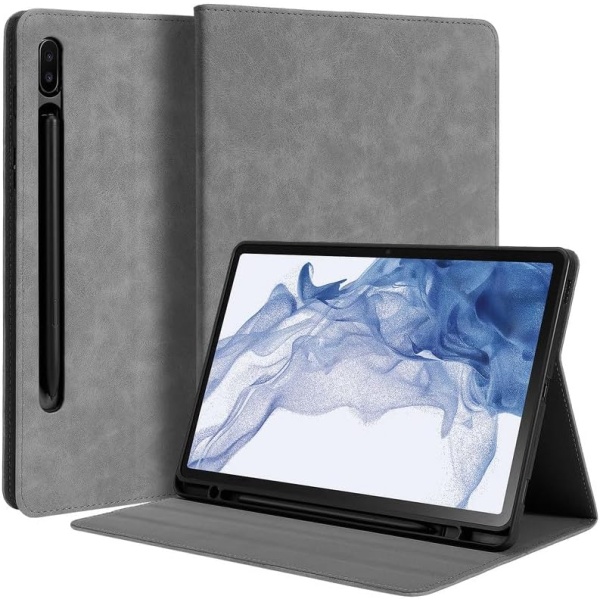
UrbanX Best Protective Leather Keyboard Case, Affordable Durable Bluetooth Tablet Keyboard Case, Wirless Slim Keyboard Case for Galaxy Tab S9 2023/S8 2022/S7 2020 11 inch
$18.95
Reviews
There are no reviews yet.