





UrbanX (2-Pack) Replacement 2016 Ford Explorer Key Fob – Fcc: M3N-A2C31243300, M3Na2C31243300, 164-R8119, 164-R7989, 164-R7991 – 5 Button
$53.34
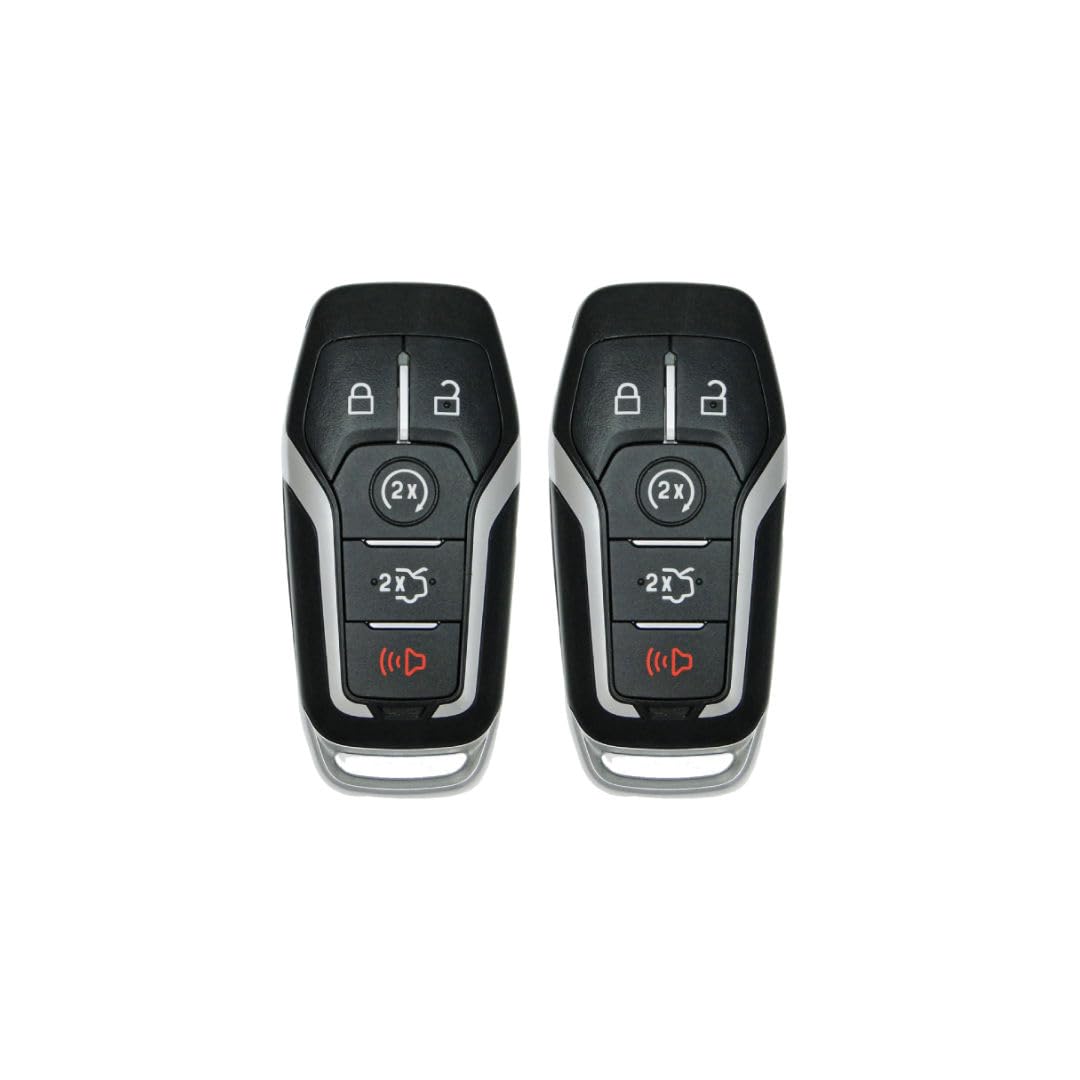
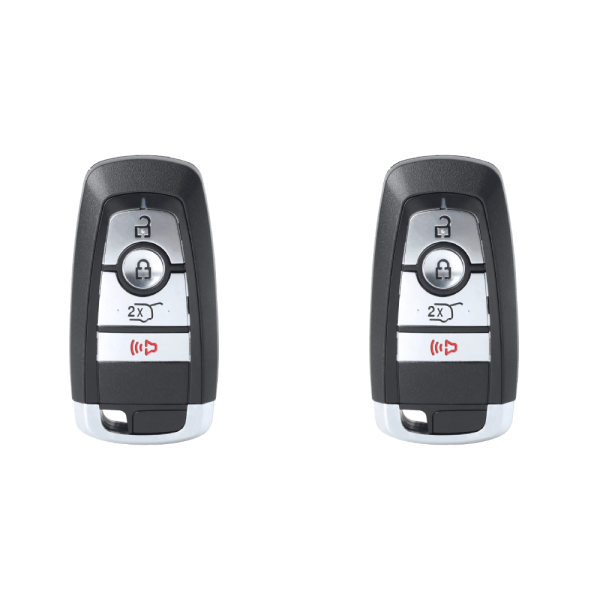
2 Replacement Key Fobs for 2016 Ford Explorer (2-Pack)
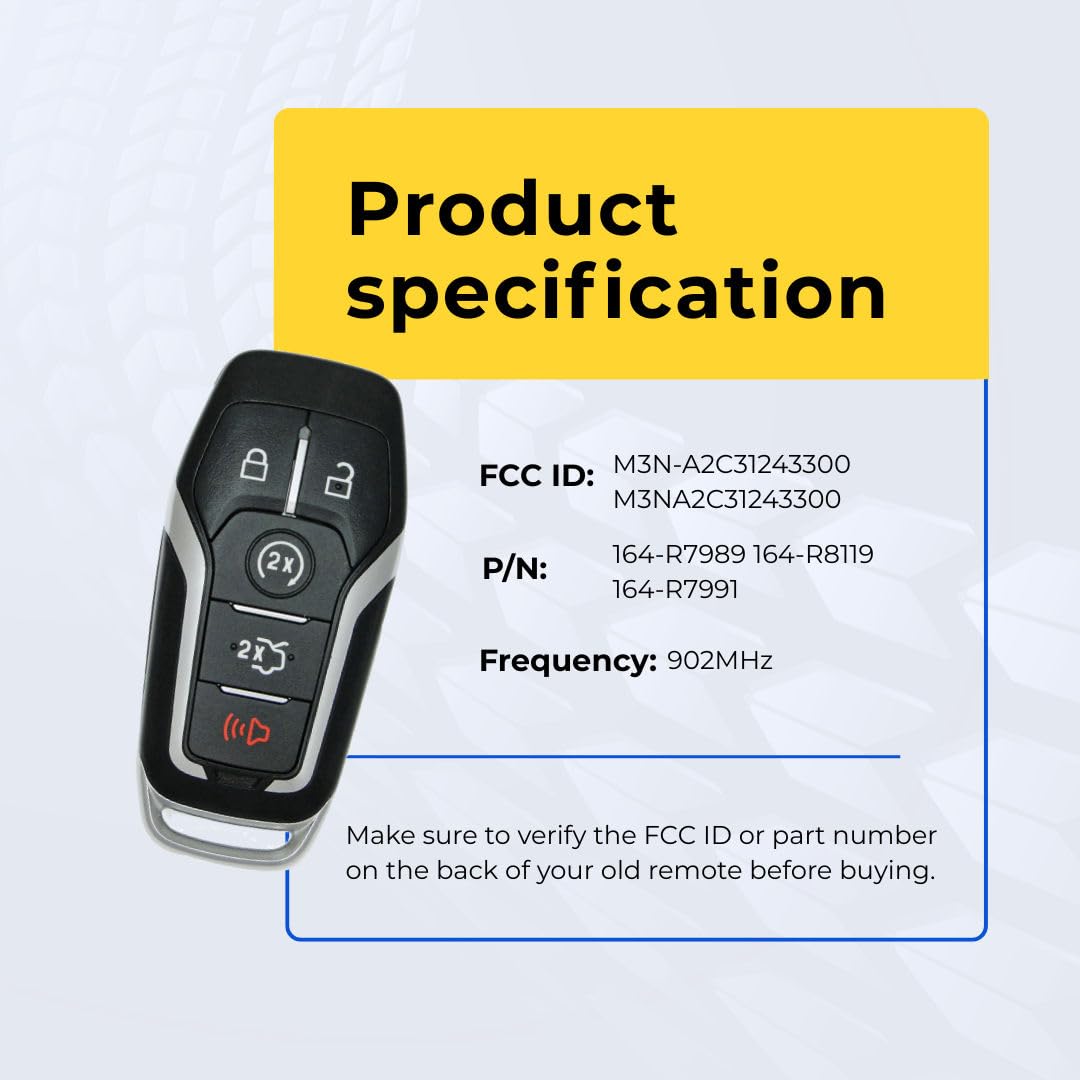
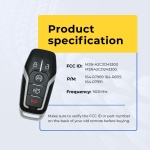
| Compatible FCC ID: | M3N-A2C31243300, M3Na2C31243300, 164-R8119, 164-R7989, 164-R7991 |
| Frequency: | 902 MHz |
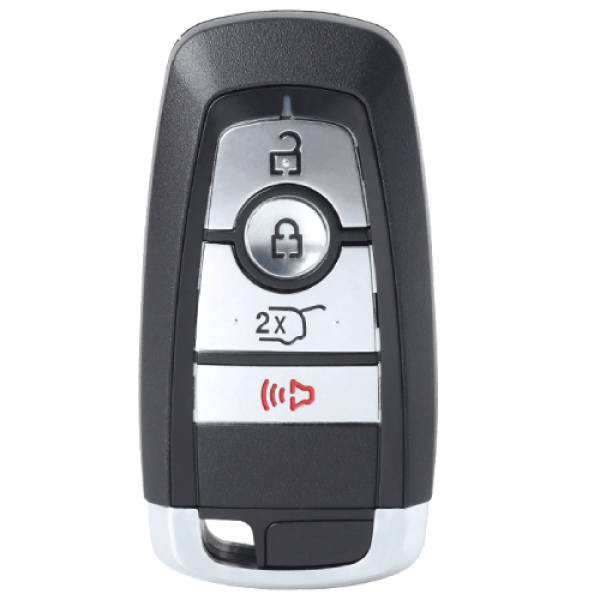
| Buttons: | 5 |
| Quantity: | 2x Key Fob Remote |
| Condition: | Brand New Aftermarket (Not OEM) |
Third-party aftermarket replacement. Not manufactured by or affiliated with Ford.
999 in stock
2 Replacement Key Fobs for 2016 Ford Explorer (2-Pack)
Premium aftermarket replacement — ready to program
Battery
Included
FCC
Certified
30-Day
Guarantee
Same-Day
Shipping
Why Choose UrbanX?
Compared to dealer prices
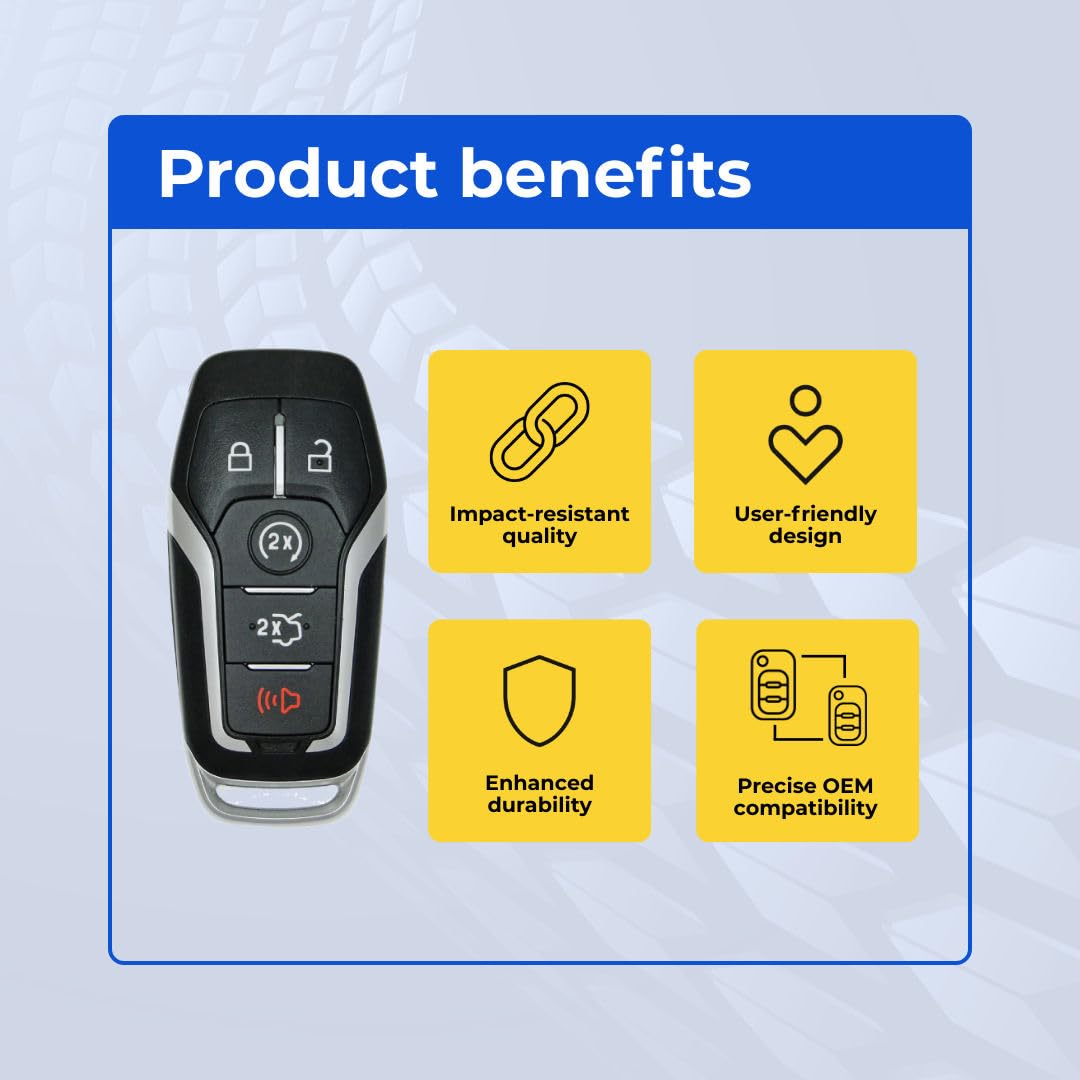
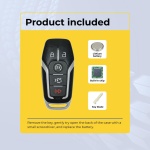
Fully assembled with battery
Matches OEM specs & frequency
Every unit RF tested before shipping
🔧 Programming & Key Cutting
This remote requires programming by a qualified automotive locksmith or dealership to sync with your vehicle.
- We recommend using a local automotive locksmith for best results
- Key blade cutting may be required if your replacement includes an uncut key
- Some vehicles support self-programming — check your owner’s manual
- Most dealerships will not program aftermarket remotes — use a locksmith instead
📦 What’s in the Box
ℹ️ Product Disclaimer & Compliance
Product Type: Aftermarket Replacement Key Fob Remote
Manufacturer: UrbanX (Third-Party Aftermarket)
Compatible FCC ID(s): M3N-A2C31243300, M3Na2C31243300, 164-R8119, 164-R7989, 164-R7991 | Frequency: 902 MHz
- This is an aftermarket replacement, not an Original Equipment Manufacturer (OEM) part.
- Not manufactured by, endorsed by, or affiliated with FORD or any vehicle manufacturer.
- OEM part numbers and FCC IDs are referenced solely for compatibility identification.
- All trademarks and brand names are the property of their respective owners.
- Professional programming may be required. Key blade cutting may also be required.
- Only features present in your original key fob will function with this replacement.
30-Day Money-Back Guarantee
Not satisfied? Return for a full refund. No questions asked.
2016 Ford Explorer Key Fob Replacement
This 2016 Ford Explorer Key Fob Replacement is a direct OEM-quality replacement for your 2016 Ford Explorer. Designed to match factory specifications, this key fob remote provides reliable performance and seamless compatibility with your vehicle’s security system.
Key Fob Features
- 5-button design matching your original key
- OEM quality construction and materials
- Battery included and pre-installed
- Ready to program to your vehicle
- FCC ID: M3N-A2C31243300
Browse all Ford car keys and remotes at UrbanX. We offer fast, free shipping on all orders.
How to Verify This Is the Right Key for Your Ford
Before purchasing a replacement key fob remote for your 2016 Ford Explorer, verify these details to ensure a perfect match:
5-Point Compatibility Checklist
- Verify Year, Make & Model — Confirm this key is listed for your exact 2016 Ford Explorer. Even within the same model, different trim levels or production dates may use different key types. Check your owner’s manual or the sticker on the driver’s door jamb for your exact model year.
- Match the FCC ID — This is the most reliable way to guarantee compatibility. Open your current key fob and look for the FCC ID printed on the back of the case or on the circuit board inside. This listing’s FCC ID is M3N-A2C31243300. Make sure it matches your existing key’s FCC ID exactly. The FCC ID identifies the exact radio transmitter — if the FCC IDs match, the keys are functionally identical.
- Check the Part Number (MPN) — The manufacturer part number (also called OEM part number or MPN) is another way to verify compatibility. You can find your vehicle’s correct part number in the owner’s manual, by searching with your VIN at a Ford parts department, or on your existing key.
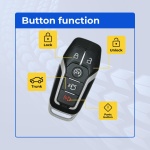
- Count the Buttons — Make sure the replacement has the same number of buttons in the same layout as your current key. This is a 5-button key fob remote. Common configurations: 3-button (Lock, Unlock, Trunk/Panic), 4-button (Lock, Unlock, Trunk, Panic), 5-button (adds Remote Start). A key with different buttons may still work for basic functions but won’t have all features.
- Confirm the Key Type — Your Ford may use different key types depending on the trim level:
- Transponder chip key — Traditional metal key with an embedded chip. Requires programming to start the engine.
- Key fob remote — Plastic remote for lock/unlock/trunk. Works alongside a separate ignition key.
- Remote head key / flip key — Combination key blade + remote in one unit.
- Smart key / proximity key — Push-button start. Stays in your pocket — the car detects it wirelessly.
Make sure you’re ordering the correct type for your 2016 Ford Explorer. If your car has push-button start, you need a smart/proximity key. If you turn a physical key to start, you need a transponder or remote head key.
Quick Verification Summary
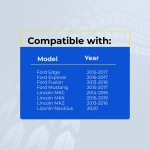
| Vehicle: | 2016 Ford Explorer |
| Key Type: | Key Fob Remote |
| FCC ID: | M3N-A2C31243300 |
| Buttons: | 5 |
Tip: If you’re unsure, take a photo of your current key (front and back) and compare it to the product images above. The FCC ID is the single most important number to match.
Not Sure Which Key You Need?
- Check your existing key — Flip it over and look for the FCC ID and part number printed on the case or circuit board.
- Call a Ford dealer parts department — Give them your VIN (Vehicle Identification Number) and they can tell you the exact key part number for free.
- Search by VIN online — Several free VIN decoders can identify your key type and part number.
- Contact us — Send us your year, make, model, and a photo of your current key. We’ll help you find the right replacement.
Programming Guide: 2016 Ford Explorer Key Fob Remote
✓ This key CAN be self-programmed at home — no locksmith needed!
Good news — your 2016 Ford Explorer supports on-board key fob programming. You can program this key fob remote yourself in about 5-10 minutes with no special tools.
Step-by-Step Programming Instructions
- Close all doors. Sit in driver’s seat.
- Turn ignition from OFF to ON 8 times within 10 seconds, ending in ON position.
- Door locks should cycle (lock/unlock) — programming mode active.
- Within 20 seconds, press any button on the new remote.
- Locks cycle again to confirm.
- Program additional remotes by pressing a button on each within 20 seconds.
- Turn ignition OFF. Locks cycle to confirm exit from programming mode.
Tips for Successful DIY Programming
- Follow timing exactly — The ignition cycle timing is critical. Use a stopwatch if needed.
- Have ALL your remotes ready — Programming mode may erase existing fobs. Reprogram old ones in the same session.
- Fresh batteries — Make sure both the new key fob battery and your car battery are in good condition.
- Close all doors — Most procedures require all doors to be fully closed and latched.
- Try up to 3 times — If it doesn’t work the first attempt, try again. Timing precision matters.
- Check your owner’s manual — Some models have specific variations of the general procedure.
Important: Remote vs. Transponder Programming
DIY self-programming typically covers the remote functions only (lock, unlock, trunk, panic). If your key also has a transponder chip (needed to start the engine), that chip may need separate programming by a locksmith — even if the remote buttons program successfully at home. If your new key unlocks the doors but won’t start the car, the transponder chip likely needs professional programming ($50-$75 at a locksmith).
Estimated Programming Cost Comparison
| Option | Key Cost | Programming | Total |
|---|---|---|---|
| Ford Dealership | $150-$350 | $75-$200 | $225-$550 |
| Locksmith + Our Key | Our price | $50-$100 | Our price + $50-$100 |
| DIY + Our Key | Our price | $0 (free!) | Our price only! |
| Brand | UrbanX |
|---|---|
| Condition | New |
| Years | 2016 |
| Make | FORD |
| Model | EXPLORER |
| MPN | 164-R7989, 164-R7991, 164-R8119 |
Reviews
There are no reviews yet.